

From timetable to receipt, one line of work.
Every feature works from the same records. Change one session and attendance, package balances, invoices and parent notices change with it.
Scheduling
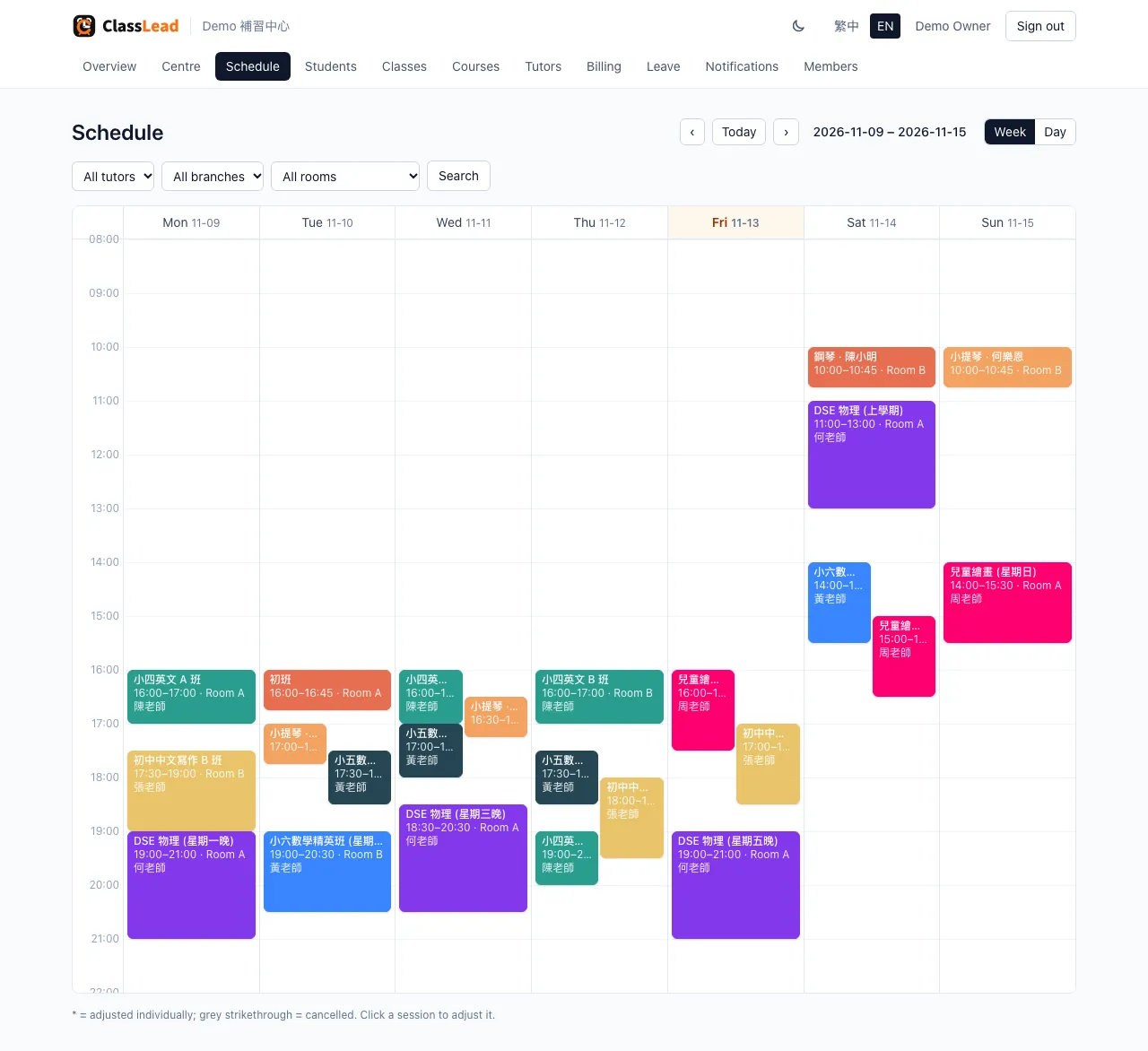
Set the weekly pattern once. The next six months are scheduled.
Give each class a start date, a time and the weekdays it runs. The system schedules the next 26 weeks and extends the timetable every day.
- A tutor or room booked twice is blocked when you save
- Classes over a room's capacity get a warning; you decide
- Move one session's date, time, tutor or room without touching the rest
- Filter by tutor, branch or room, in week or day view
Attendance
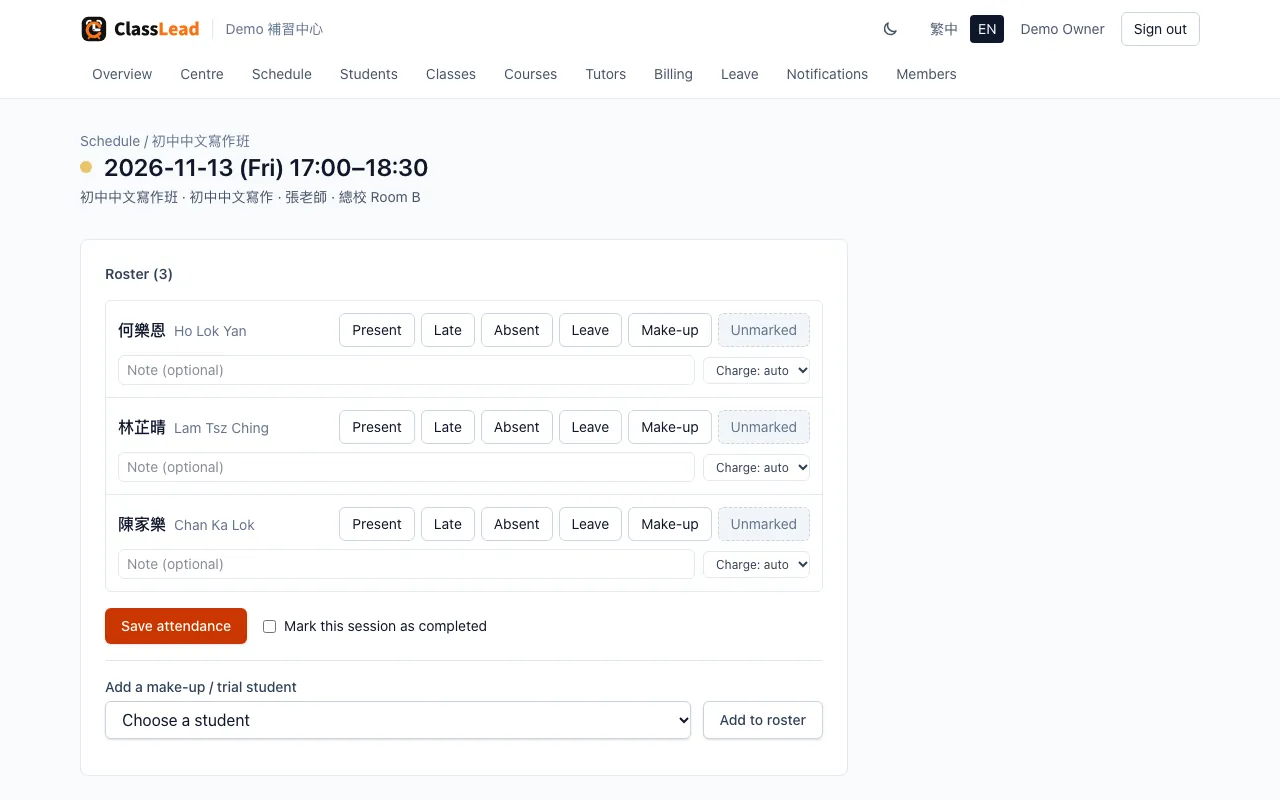
Present, late, absent, leave or make-up, in one tap.
The roster comes from the enrolments active on the day, and a make-up or trial student can be added on the spot. Attendance drives package deductions and invoices directly.
- A note for each student, such as homework or progress
- Whether a session is charged is decided automatically, with a per-student override
- Works on a phone, so tutors don't need a computer
Leave and make-ups
Parents request leave online. Staff approve in one tap.
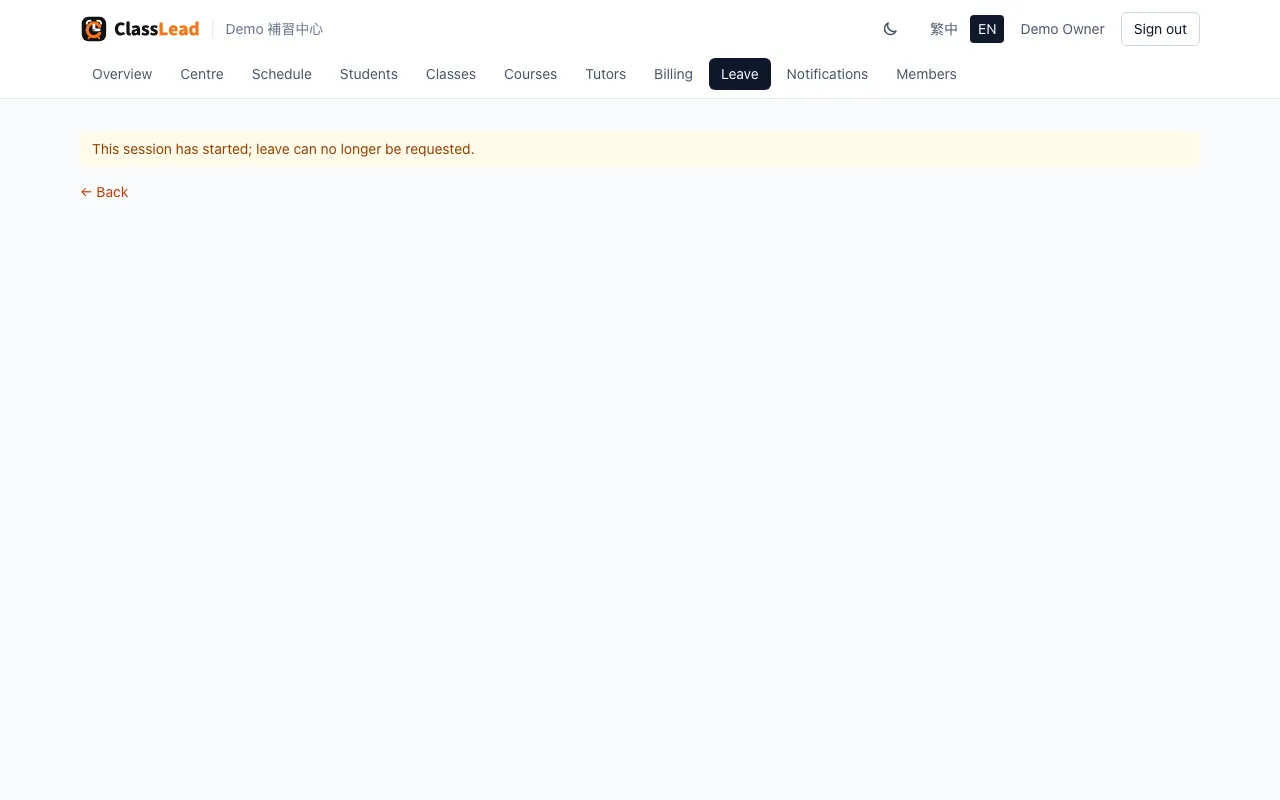
Parents ask from the parent portal, or staff ask for them from the session page. On approval the leave and the make-up are recorded together, and at most one of the two sessions is charged.
- Set how close to class leave counts as late (24 hours by default); late leave is still charged
- Make-ups come from other classes in the same course, within a set window (30 days by default)
- Optionally let parents pick their own make-up slot; full classes are hidden from them
- Cancel a session and its pending requests lapse; affected make-ups go on a list to rebook
Billing
Monthly fees and packages on the same student.
Billing is set on the course, with an optional price for a single class. Enrolments take the course or class setting automatically, so staff never choose it by hand.
Monthly fees
One invoice a month, for the whole centre in one click. A mid-month joiner's first month can be prorated by the sessions left.
Session packages
Sold by session count, with a minimum and tiered per-session prices. Sessions deduct on attendance and parents can see what's left.
Term fees and drop-ins
One invoice before the term starts; drop-ins and trials billed per session.
Early-bird and returning discounts
A fixed amount or a percentage, on the first invoice or every invoice. A live example shows while you type, so $ and % can't get mixed up.
Transfers bill once
A class transfer is one continuous enrolment: the package balance moves over and a month already paid isn't billed again.
Overdue fees at a glance
Filter by status, month or student. Unpaid and overdue totals sit at the top of the billing page.
Invoices and receipts
Bilingual PDFs that look like your centre.
Every invoice and receipt is generated on demand, Chinese and English side by side. Pick one of four layouts and add your logo, brand colour, payment details and footer; the formal layout also carries a signature and the centre's chop. A live preview updates as you change the settings.
Payment proofs
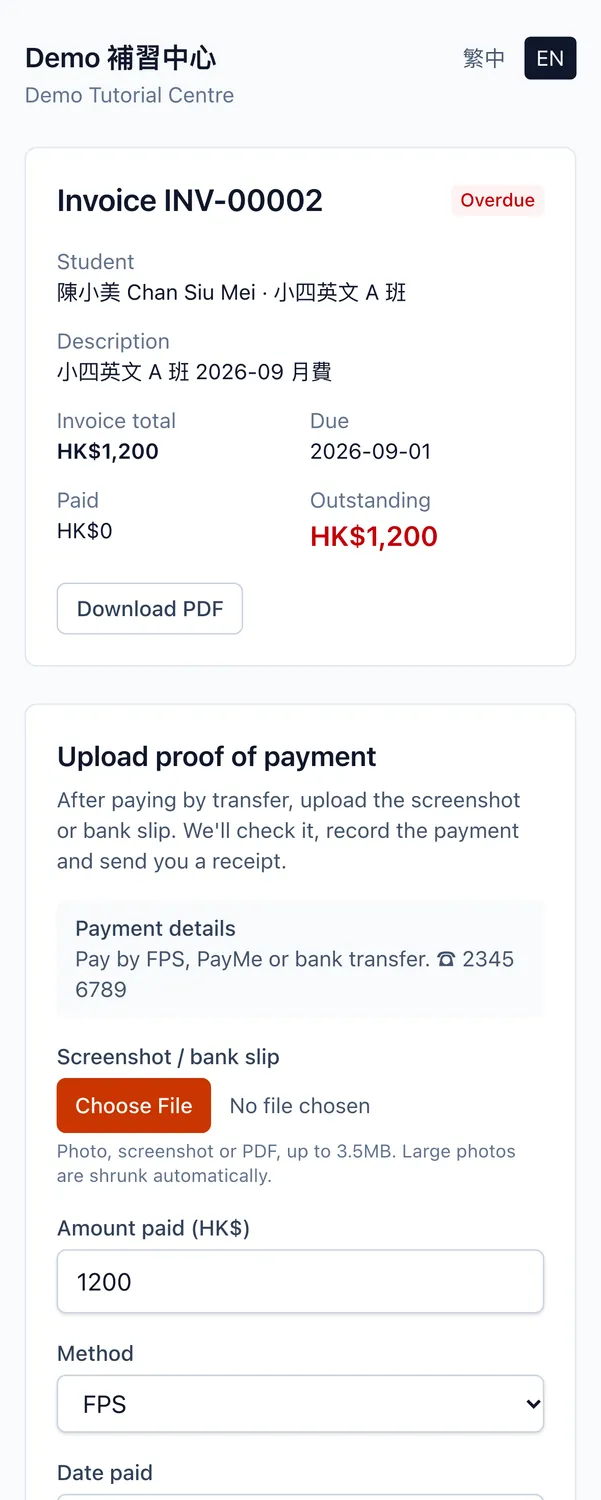
Parents pay, upload a screenshot, and you approve it.
Every invoice has a no-login link. Parents open it on their phone, see the amount and how to pay, and upload an FPS or PayMe screenshot or a deposit slip.
- Staff check it on the invoice page; approving records the payment and sends the receipt
- Rejecting needs a reason, and the parent is told
- Two staff can't process the same proof twice
- Proofs waiting for review are counted on the Billing menu and the dashboard
Parent notices
Emailed when the parent has an email. Otherwise a WhatsApp message, ready to send.
Each notice goes by the channel the parent uses. WhatsApp messages are written for you; staff send them from the centre's own WhatsApp with one tap. The same event never sends twice.
Changed or cancelled sessions
Affected parents hear straight away. Move a whole class and each student gets one notice.
Invoices and receipts
Invoice notices carry the PDF and a link; receipts go out the moment a payment is recorded.
Package running low
Parents are reminded to renew when few sessions are left.
Class reminders
An email to parents before each class.
Leave decisions
Parents hear right away whether leave was approved or rejected.
Rejected payment proofs
Sent with the reason, so the parent knows what to resend.
Parent portal
Timetable, attendance and bills, for parents to check themselves.
Invite a parent from the student page. Once they open an account from the link they see their children's timetable, package balances, invoices and attendance, and can request leave online. Parents who'd rather not sign up can still pay through the invoice link.
Centre and access
Everyone sees what they need, and no more.
Five roles
Owner, admin, staff, tutor and parent, each with its own access. Role changes and suspensions apply immediately.
Invite by link
Create an invite link; a colleague opens it to join your centre.
Branches and rooms
Set up branches and rooms, and view the timetable by branch.
Import students
Bring in students and parents from a CSV. Siblings share one parent record, matched by phone number.
Student records are kept
Leavers are set to inactive; their invoices and attendance history stay.
Chinese or English
Every user picks 繁中 or English for themselves.
Security and privacy
Your data stays yours.
Student and parent personal data is used only by your centre, by role. To back up or move to another system, export it, encrypted, at any time.
Each centre's data kept apart
Every record belongs to one centre and every read is limited to yours, so no other centre can see your students, parents or accounts.
Role-based access
Owners, admins, staff, tutors and parents each have their own access; role changes and suspensions apply immediately.
Export any time, encrypted
The owner can export all centre data to Excel, encrypted with AES-256 under a password you choose; the login password is asked again first.
Every export is logged
Who exported and when is recorded, and the centre's owners are emailed straight away.
Payment screenshots kept private
Transfer screenshots parents upload are never public; only signed-in staff can open them.
Passwords are hashed
Login passwords are stored as bcrypt hashes, so nobody can read your original password.
Coming soon
In development. Included in the Growth and Multi-branch plans when released.
Connect the centre's own WhatsApp Business account and notices send themselves. Meta bills its message fees to the centre directly.
Leave, reschedule requests and payment screenshots sent on WhatsApp become items for staff to approve before anything changes.
Tutor pay from attendance records, monthly salary or per session.
Revenue, attendance and overdue fees across branches.
Want to see your own fee rules set up?
Message us on WhatsApp and we'll demo it with your courses and billing.